
Introduction
The Nintendo 64 (N64) is a beloved console that many gamers hold dear for its groundbreaking titles like ‘Super Mario 64’ and ‘The Legend of Zelda: Ocarina of Time.’ However, connecting the N64 to modern smart TVs poses a challenge, as these TVs lack the analog connections used by older consoles. This guide explores how to bring your favorite N64 games to life on modern screens, focusing on the use of N64 adapters for smart TVs. We’ll delve into types of adapters available, detailed setup steps, and optimization tips, ensuring you enjoy a seamless gaming experience.
Understanding the N64 and Modern TV Interfaces
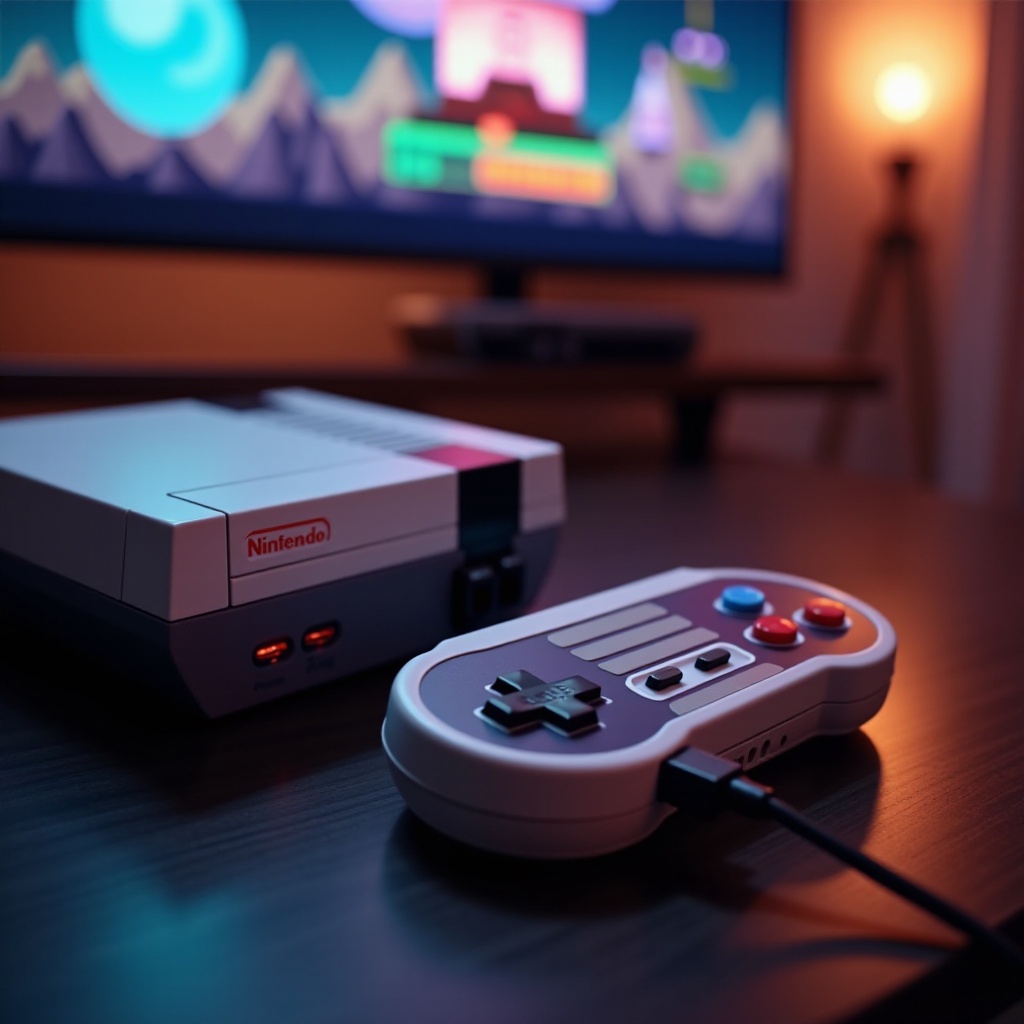
To appreciate the need for an adapter, it’s crucial to understand the diverging paths of technology. The N64 was released in the mid-1990s and used composite video output, which includes three cables: yellow for video, red, and white for audio. On the other hand, today’s smart TVs are equipped with HDMI, USB, and digital optical inputs, with HDMI being the primary interface for high-definition audio and video. Understanding this discrepancy makes clear why adapters are necessary to bridge the gap between retro consoles and contemporary TV technology.
Why You Need an N64 Adapter
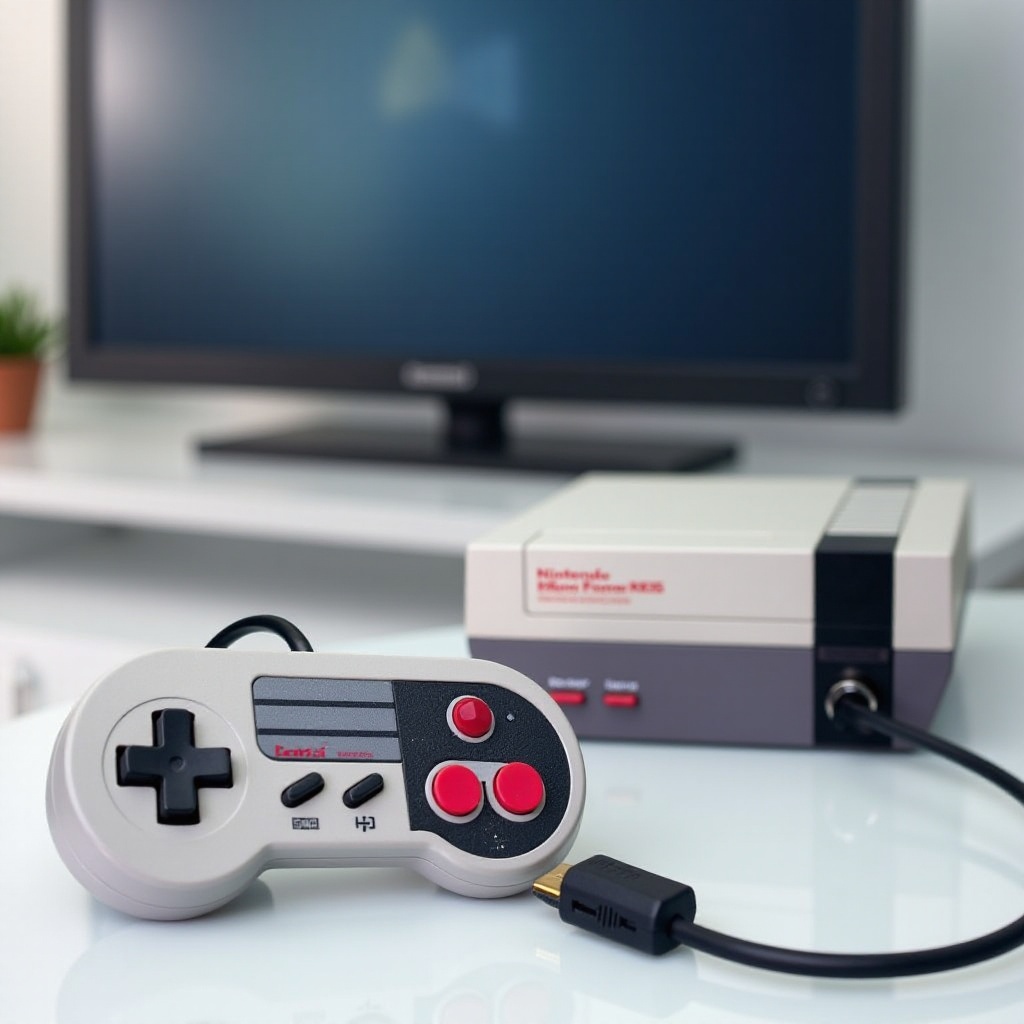
Adapters are essential for several reasons. Firstly, modern TVs often lack the necessary composite ports for direct N64 connections. An adapter serves to convert the analog signal from the N64 into a digital signal compatible with the TV’s HDMI port. This compatibility is the first and most critical reason an adapter is necessary. Secondly, although the N64 was not designed for HD, adapters with upscaling capabilities can enhance picture clarity and audio quality, improving the overall gaming experience. Lastly, many adapters are versatile and compatible with various retro gaming consoles, making them a valuable tool for retro gamers.
Types of N64 Adapters Available
Choosing the right adapter can be daunting given the various options available. Here’s a breakdown:
– Composite to HDMI Converters: These adapters convert N64’s composite signal to HDMI output, often with upscaling features. Ensure the adapter is HDCP compliant to avoid compatibility issues.
– RCA to HDMI Converters: Similar to composite adapters but often handle audio compatibility more effectively, particularly useful with advanced audio setups.
– Specialized N64 HDMI Mods: These involve modifying the N64’s internal hardware for a direct HDMI output. They are more costly but provide superior quality.
– Multi-System Retro Adapters: Ideal for retro gamers with multiple consoles, these adapters support various systems, offering a comprehensive solution.
Understanding the features of each option helps you choose the best adapter for your setup.
How to Connect Your N64 to a Smart TV: A Step-by-Step Guide
Connecting your N64 using an adapter is a straightforward process that can revitalize your gaming experience on modern displays. Here’s the essential guide:
1. Gather Your Equipment: In addition to your N64, you’ll need an HDMI adapter, an HDMI cable, and your smart TV remote.
2. Connect the Adapter:
– Plug the N64’s AV cables into the adapter.
– Use the HDMI cable to connect the adapter to your TV.
3. Configure TV Settings:
– Switch your TV input to the active HDMI port.
– Adjust picture settings for optimal display quality.
4. Troubleshoot Any Issues:
– Check all connections for security.
– If the TV does not recognize the signal, test alternate HDMI ports.
With these steps, you can bring N64 games back to life on your smart TV. But merely connecting isn’t enough—optimizing settings can significantly enhance your experience.
Optimizing the Gaming Experience
Once connected, optimizing settings will enhance your experience. Consider these tips:
– Improve Visuals: Use your TV’s gaming mode to reduce input lag and improve image quality. Adjust brightness and contrast settings for better visuals.
– Enhance Audio: If the audio is subpar, connect through an external speaker system for richer sound quality.
– Maintain Equipment: Keep your N64 cartridges clean to ensure smooth game performance and avoid glitches.
By attending to these details, you can elevate your gaming experience, combining the nostalgia of the N64 with the clarity of modern technology.
Conclusion
Connecting your N64 to a smart TV isn’t just about compatibility; it’s about reliving and enhancing the gaming moments that defined a generation. By selecting the right adapter and optimizing both visual and audio output, you breathe new life into treasured classics, making them impactful once again with today’s technology. Move forward with your vibrant gaming journey, blending past and present seamlessly for an unparalleled gaming adventure.
Frequently Asked Questions
Can I use an N64 adapter with any smart TV model?
Most smart TVs with HDMI ports support N64 adapters. Check for HDCP compliance which some TVs may require for signal recognition.
Do I need additional cables aside from the adapter for a better connection?
Typically, an HDMI cable is needed to connect the adapter to the TV. Should audio or video complications arise, consider higher-quality cables.
What can I do if the image quality isn’t improving with the adapter?
Verify adapter settings and optimize TV video configurations. Some adapters feature settings manuals, useful for additional image quality improvements.