
Introduction
Nest Thermostats enhance your home’s energy efficiency by learning your routine and optimizing temperature settings accordingly. Understanding automatic schedule changes is key to maximizing comfort and savings. While these features offer convenience, users often face challenges like the thermostat not turning off automatically. This guide will help you navigate these features and troubleshoot issues, ensuring your Nest Thermostat performs flawlessly.
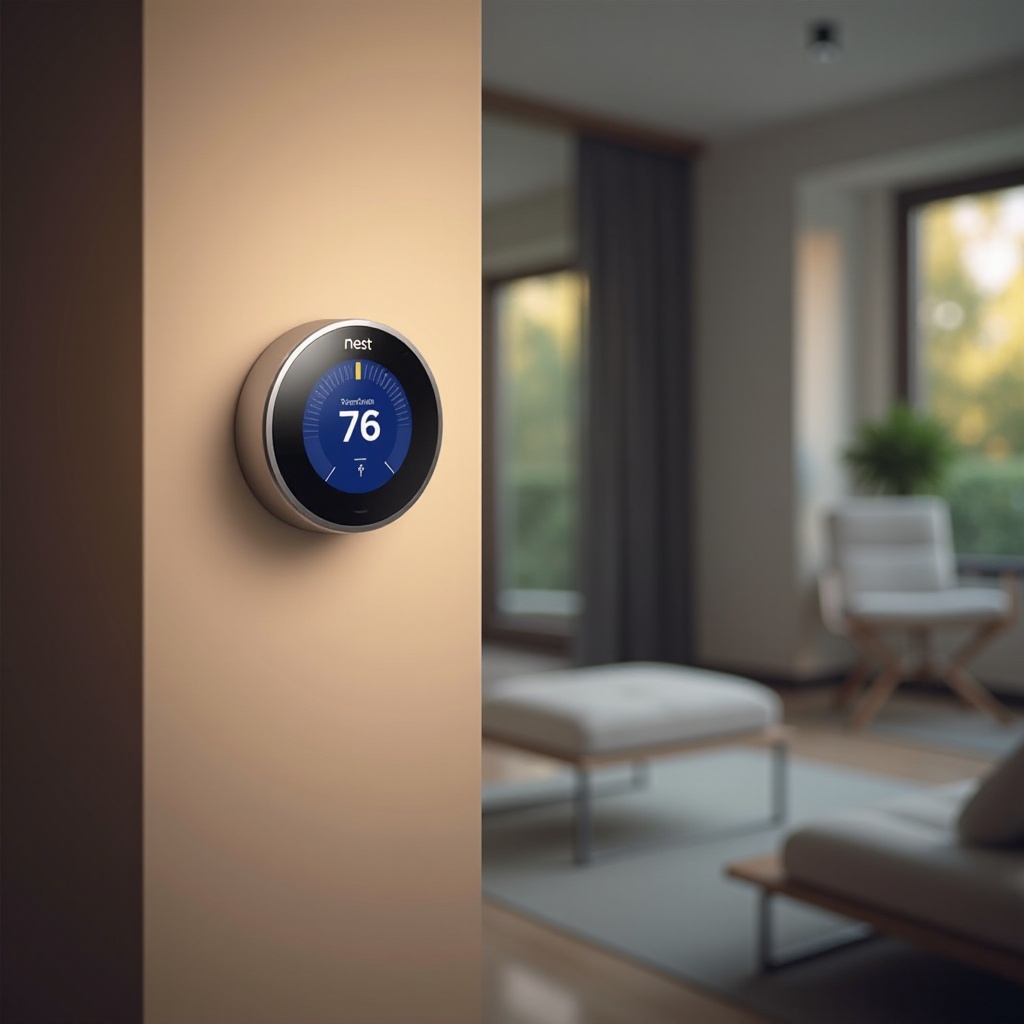
Understanding Automatic Schedule Changes on Nest Thermostats
Automatic schedule changes allow your Nest Thermostat to adjust temperatures based on your predictable patterns. This system utilizes machine learning to create a custom schedule that adapts over time, transforming how you manage home heating and cooling.
Key capabilities include integration with smartphones to determine when you’re home or away, enhancing energy efficiency. If you’re new to smart thermostats, automatic scheduling can seem complex. However, it’s designed to be intuitive, requiring minimal manual adjustment once configured.
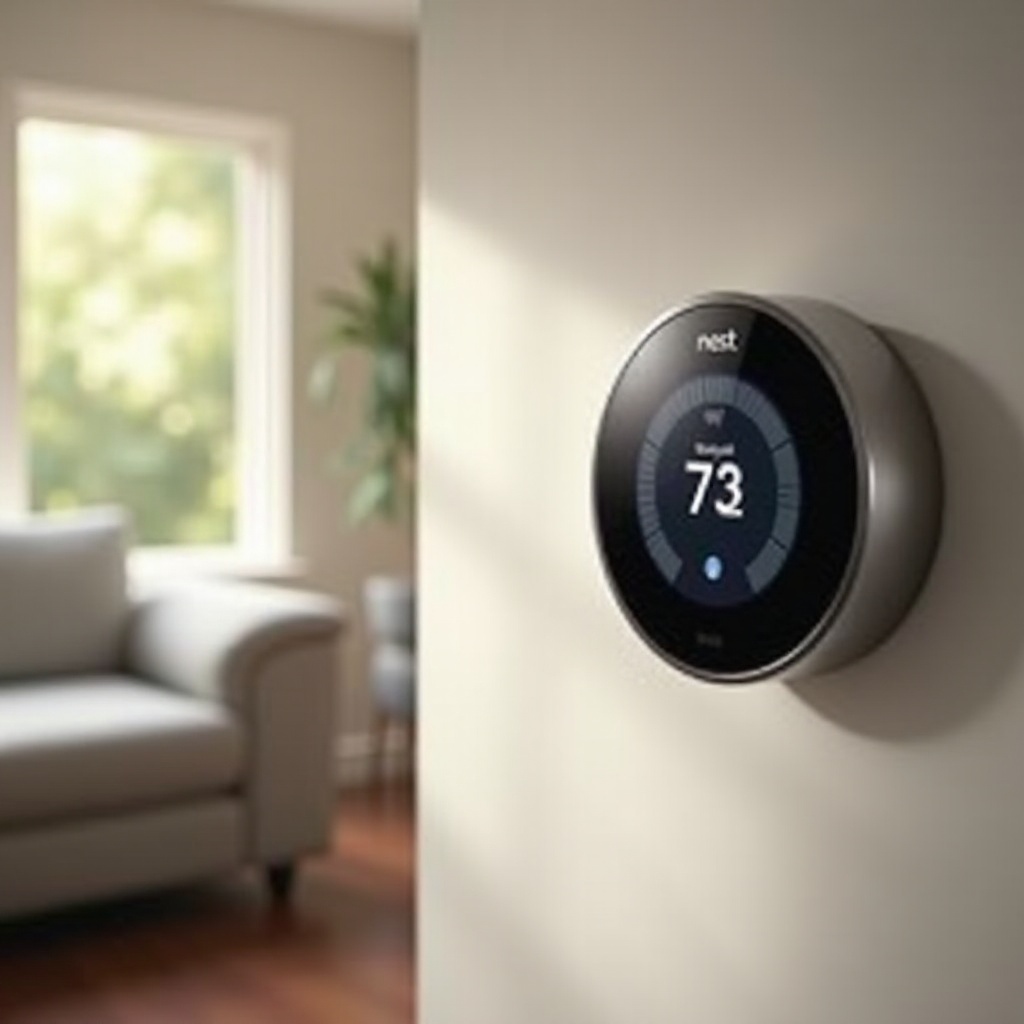
Setting Up Automatic Schedule Changes
To fully utilize your Nest Thermostat, configuring the automatic schedule is essential:
- Download the Nest app and log into your account.
- Input your typical weekly routine, including wake-up and sleep times.
- Enable the learning mode to allow the thermostat to self-adjust based on your inputs.
- Connect to your home Wi-Fi for full functionality.
These steps ensure your thermostat begins optimizing your home’s climate control, requiring less manual intervention over time.
Common Issues with Automatic Schedule Turn-Off
Despite its sophistication, the Nest Thermostat can encounter issues, particularly with not turning off automatically. Consider the following solutions:
- Incorrect settings typically cause issues. Double-check your schedule via the Nest app.
- Ensure your thermostat is connected to Wi-Fi, as internet connectivity is crucial for operation.
- Check for software updates that might resolve any bugs.
- Be aware of sudden temperature changes in your environment that might affect thermostat behavior.
Resolving these issues ensures your system performs at its peak, maintaining the desired comfort levels in your home.
Optimizing Your Nest Thermostat for Energy Efficiency
Once tuned, optimizing your thermostat for energy savings can lead to significant reductions in energy bills:
- Enable Eco Mode. The thermostat will modify temperatures when the home is unoccupied, cutting down on unnecessary energy use.
- Connect to other smart devices in your home for enhanced control and efficiency.
- Utilize energy reports to monitor your energy consumption and adjust settings based on insights from Nest’s analytics.
These actions will refine your Nest Thermostat’s operation, contributing to a more sustainable household energy footprint.
Practical Tips for Better Scheduling
If new to the Nest Thermostat, these tips can help fine-tune your experience:
- Set a seasonal schedule that adjusts with the changing weather.
- Use the Nest app for real-time adjustments, especially useful for unexpected changes in schedule.
- Analyze data insights gathered from your usage to further adjust your settings.
Implementing these tips ensures continued efficiency and comfort, leveraging your Nest Thermostat to its fullest potential.
Conclusion
Effectively managing your Nest Thermostat’s automatic schedule changes and tackling turn-off troubles enhances your smart home’s efficiency. By setting up and troubleshooting as outlined, you can maintain a comfortable environment while optimizing energy usage. Embrace these features to enjoy a smarter, more economical home climate.
Frequently Asked Questions
How Do I Set Up Automatic Scheduling on My Nest Thermostat?
Begin by downloading the Nest app, create an account, and input your routine. Enable learning mode and connect to home Wi-Fi for full functionality.
What Should I Do if My Nest Thermostat Doesn’t Turn Off Automatically?
Check schedule settings, ensure Wi-Fi connectivity, update software, and adjust for environmental changes as solutions.
How Can I Integrate My Nest Thermostat with Other Smart Devices?
Use the Nest app and device settings to connect with compatible smart devices, enhancing synchronization and management.