
Introduction
The PlayStation 2, an iconic gaming console, continues to capture the hearts of gamers worldwide due to its excellent game library and its ability to double as a DVD player. By integrating a DVD remote control, users can drastically enhance their multimedia experience. This guide explores the setup and benefits of using the PS2 DVD remote control to its fullest potential.
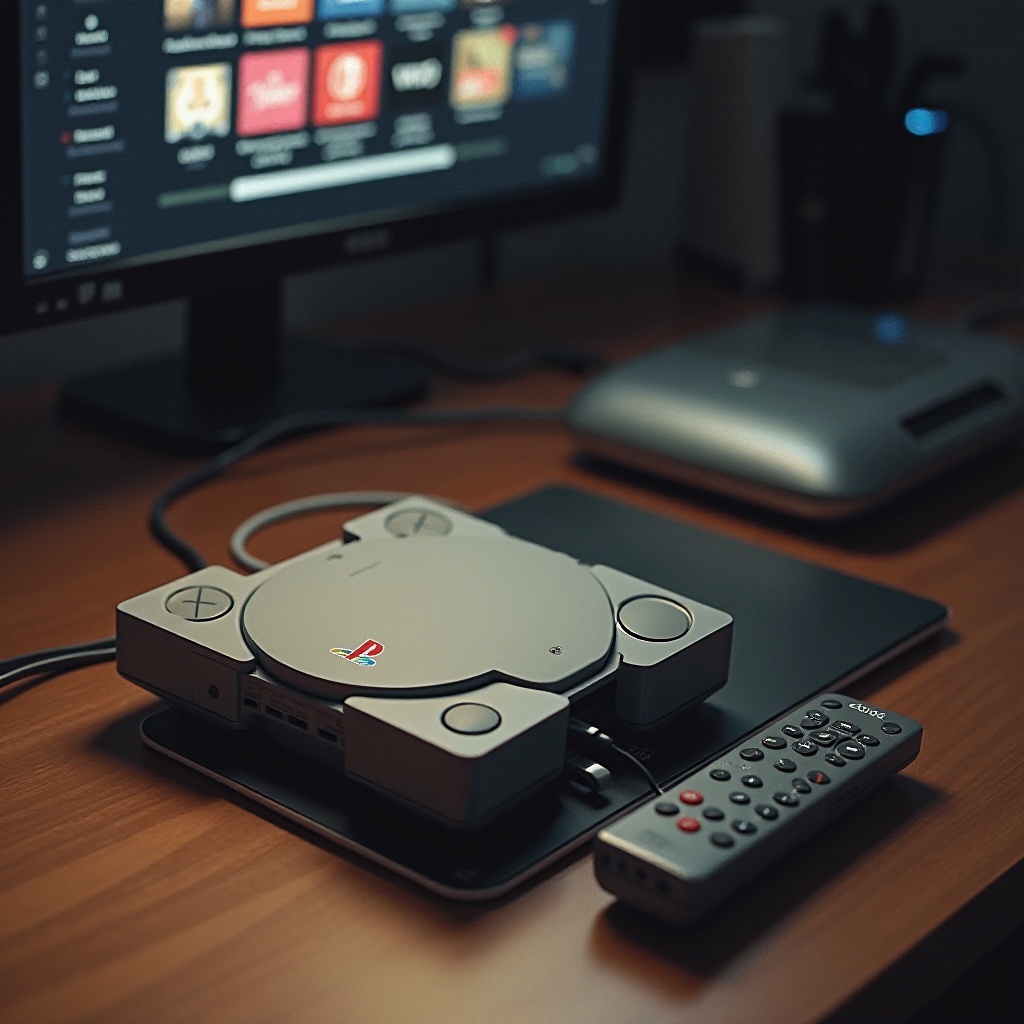
Why the DVD Remote Control is a Must-Have for PS2 Owners
For PS2 owners, the DVD remote control offers substantial advantages beyond merely playing games. The remote simplifies DVD navigation, allowing users to experience their PS2 as a dependable media player. Instead of being limited by a gaming controller, which can be awkward for video playback, owners gain intuitive and direct control.
Experience immediate benefits with the remote: from fast forwarding to skipping chapters with ease. While a standard controller can manage these functions, a remote does so with far more convenience. Moreover, the wear and tear on gaming controllers is reduced when they aren’t used for non-gaming purposes.
Setting Up Your PS2 DVD Remote Control
Getting your remote ready is a straightforward process. Here are the steps:
1. Make sure you possess the PS2 remote and its corresponding infrared receiver.
2. Connect the infrared receiver to one of the PS2’s controller ports.
3. Power on your PS2 and check that it’s properly connected to your display system.
4. Insert a DVD into the console.
5. Use the remote to browse the on-screen menu and confirm it is responding to inputs.
With setup complete, shift your focus to navigating content with ease. This functionality makes transitioning from gaming to watching movies seamless, providing full control over your entertainment.
Key Features of the DVD Remote Control
The PS2 DVD remote is equipped with numerous features that enhance user experience:
– Navigation Buttons: Standard controls such as play, pause, stop, and skip streamline DVD interaction.
– Menu Access: Directly access the DVD menu without the need for a gaming controller.
– Volume Control: Some remote models feature volume controls, allowing easy audio adjustments.
These features turn managing media into a pleasant experience, merging the convenience of user-friendly interfaces with the enjoyment of your favorite films and music.
Enhancing Your Multimedia Experience with the PS2
The PS2’s media capabilities extend beyond basic DVD playback, offering access to a variety of special features, additional languages, and insightful commentary tracks. With a multimedia setup featuring a remote control, you’re ready to entertain guests or enjoy all these elements with ease.
This accessibility transforms the PS2 from just another gaming console into a comprehensive home entertainment system — the ideal centerpiece for your media enjoyment needs. Whether indulging in a movie marathon or discovering new musical albums, the remote amplifies the overall experience.
Troubleshooting Common Issues
Even well-designed equipment can encounter snags. Here’s how to address typical problems related to the PS2 remote:
1. Remote Not Responding: Confirm the infrared receiver is correctly connected to the PS2.
2. Infrared Receiver Obstruction: Ensure an unobstructed path between the remote and receiver.
3. Button Malfunctions: If problems persist, replace batteries and check correct battery installation.
Troubleshooting these common concerns maximizes your PS2’s capabilities, ensuring uninterrupted enjoyment of movies or music sessions.
Conclusion
The PS2 DVD remote control transforms a classic console into an entertainment powerhouse. Its intuitive function allows for an expanded role beyond gaming, making the PS2 an integral part of home multimedia setups. Whether you’re exploring DVDs or relaxing with an audio CD, this remote optimizes every interaction.
Frequently Asked Questions
Can I use a universal remote with my PS2?
You can, but it must support infrared signals like the PS2 remote to work correctly.
What should I do if my remote control stops working?
Check batteries and replace them if needed. Ensure the infrared receiver is securely connected and unobstructed.
Are there any limitations to using the PS2 DVD remote?
While excellent for media playback, the remote does not have gaming functions. It is solely dedicated to navigation and multimedia use.