
Introduction
Selecting the right motherboard significantly impacts your computer’s performance. A motherboard with dual Ethernet ports provides flexibility, redundancy, and enhanced connectivity options. These motherboards are particularly beneficial for gamers, professionals running network-intensive applications, and small businesses. Investing in one can future-proof your setup by accommodating expanding connectivity needs.
Understanding Dual Ethernet Ports
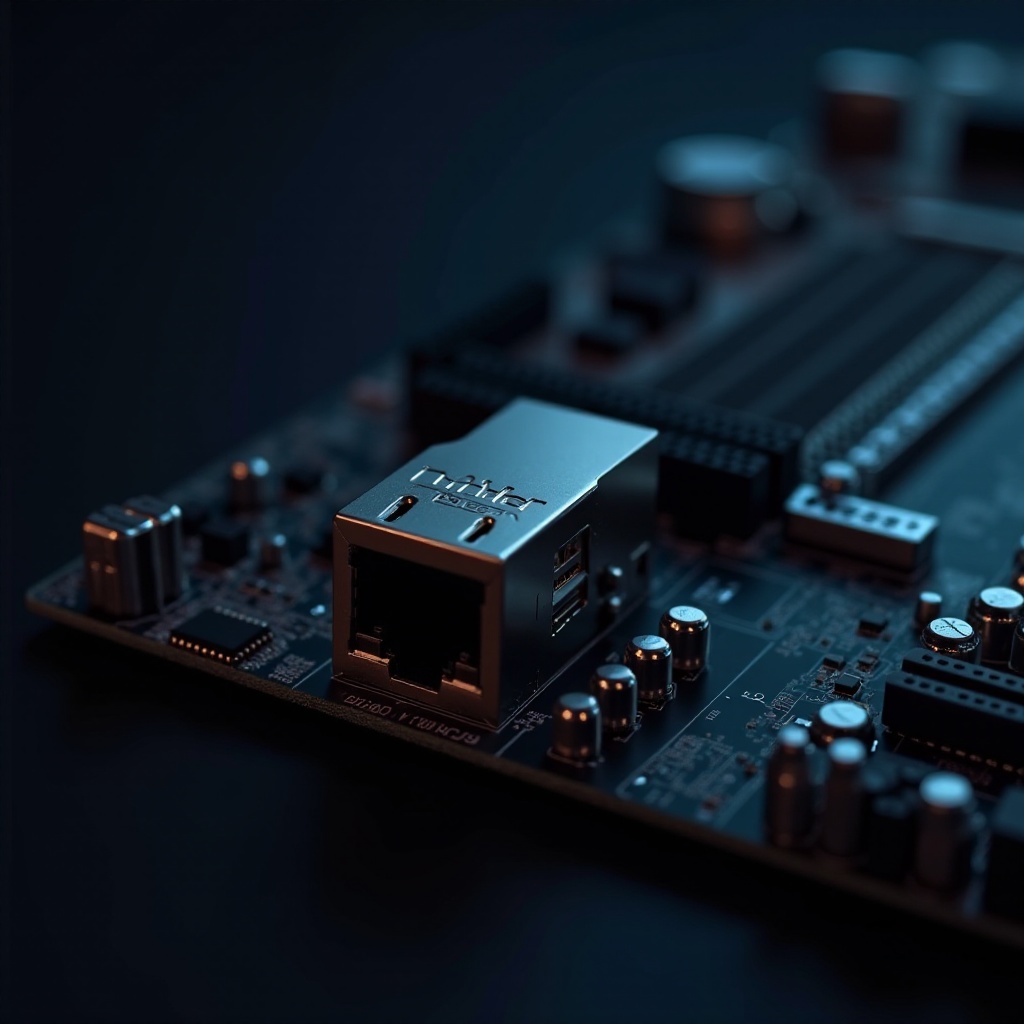
Dual Ethernet ports on a motherboard provide two individual ports for network connections. These ports allow simultaneous network connections or act as a backup if one connection fails, offering security and continuity. Each port supports different network configurations, such as load balancing and redundancy, ensuring constant, stable internet connections. For gaming, multimedia streaming, or running a small server, these ports optimize the speed and reliability of your network access.
By allowing for network segmentation, dual Ethernet ports can cater to separate functions, such as one for gaming and one for regular browsing. This division enhances the efficiency and performance of each connection, ensuring that heavy tasks do not slow down other activities.
Top Motherboards with Dual Ethernet Ports in 2024
Choosing a motherboard involves evaluating key features pertinent to your use case. Here’s a look at some of the top models equipped with dual Ethernet ports in 2024.
ASUS ROG Strix Series
ASUS ROG Strix motherboards are hailed for their high performance and are particularly popular among gamers. The dual Ethernet ports enhance gaming by providing seamless, uninterrupted connection speeds. These motherboards often feature robust overclocking capabilities, high-quality audio components, and RGB lighting for enthusiasts.
MSI Pro Series
MSI’s Pro series is known for striking a balance between affordability and functionality. With dual Ethernet ports, these boards are suitable for small businesses seeking reliable, high-speed connections for multiple users. The boards come with enhanced security features, ensuring your network remains protected from potential threats.
Gigabyte AORUS Series
Gigabyte’s AORUS series stands out for its advanced cooling solutions and premium components. The dual Ethernet ports provide redundancy and load balancing, perfect for platform broadcasting and high-speed data processing. These motherboards also boast cutting-edge aesthetics with customizable lighting options and durable construction.
Advantages of Using Motherboards with Dual Ethernet Ports
Utilizing motherboards with dual Ethernet ports comes with several benefits:
-
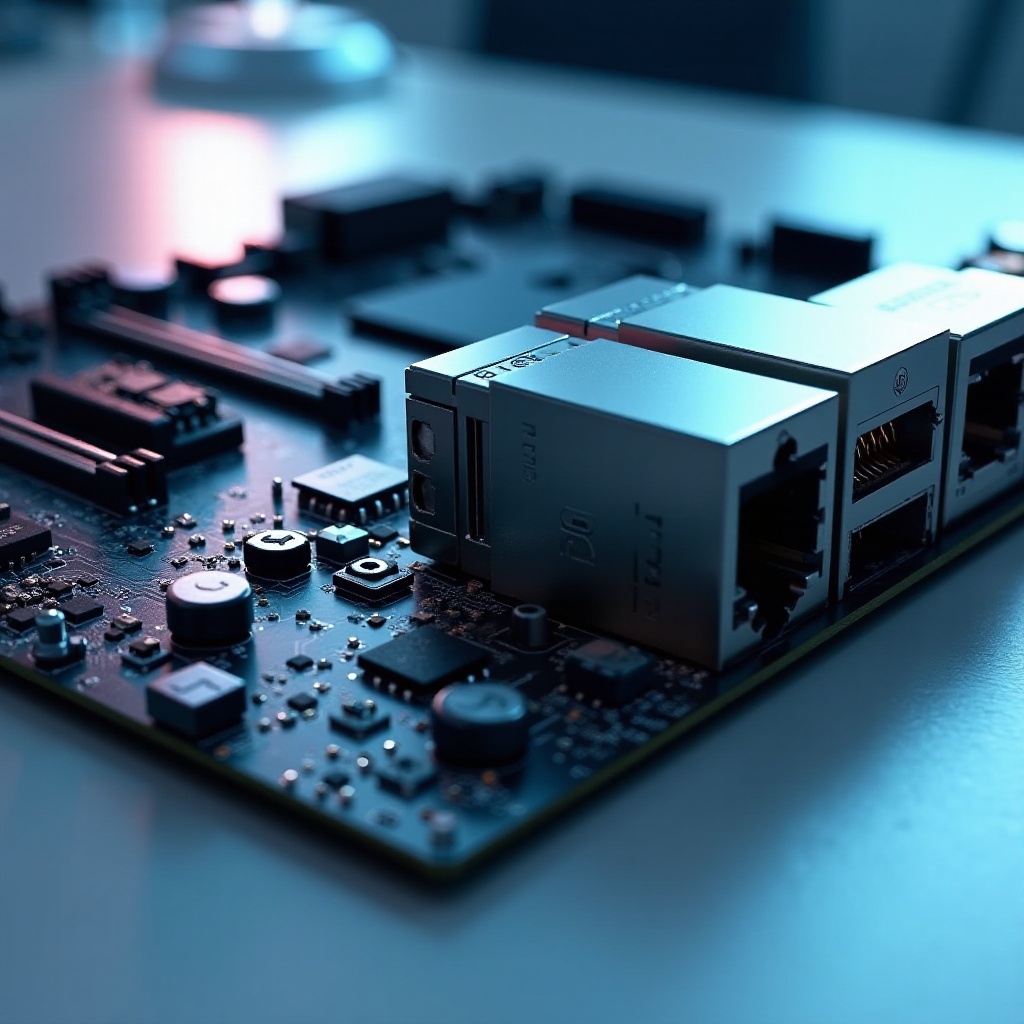
Enhanced Network Performance: Two Ethernet ports can manage network traffic better, ensuring smoother data flow and preventing bottlenecks.
-
Load Balancing and Redundancy: Dual ports allow distributing the network load, which optimizes performance. If one connection fails, the other can maintain the network, providing a reliable backup.
-
Use Case Scenarios: Ideal for offices, gaming, or high-data-demand environments where speed and connection reliability are critical.
With these advantages, dual Ethernet ports cater to a range of user needs, making them a valuable feature for both personal and professional use.
How to Choose the Right Motherboard for Your Needs
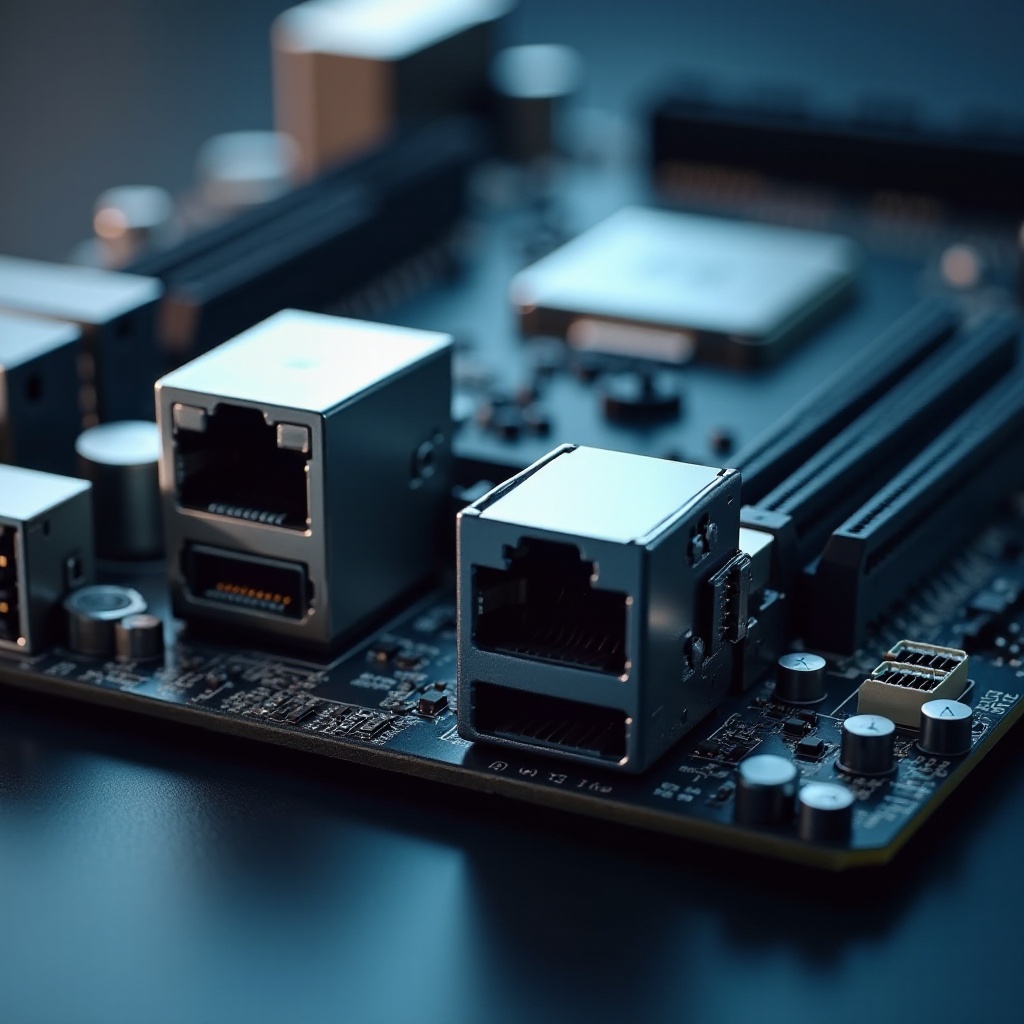
Selecting the perfect motherboard requires understanding your specific requirements:
-
Performance Expectations: Determine if advanced features like overclocking or enhanced audio are necessary. Gamers might prioritize high-speed data transfer, while business users may need solid security features.
-
Budget Considerations: Establish a budget that aligns with the benefits you seek from dual Ethernet ports, as prices can vary greatly based on added features.
-
Compatibility with Existing Systems: Check the motherboard’s compatibility with current components like the CPU, RAM, and storage devices to ensure seamless integration into your setup.
Balancing these factors will assist you in selecting a motherboard that meets your current and future needs, optimizing your computer’s performance.
Installation and Configuration Tips
Proper installation and configuration ensure that you maximize the benefits of dual Ethernet ports:
-
Install the Motherboard: Follow the manufacturer’s manual for installing the motherboard into your computer case.
-
BIOS Settings: Enter your computer’s BIOS upon startup to enable and configure the dual Ethernet ports.
-
Network Management Tools: Utilize software tools provided by the motherboard manufacturer to manage and optimize Ethernet port usage.
-
Regular Updates: Keep your motherboard’s firmware and drivers up-to-date to enhance security and network performance.
By following these steps, you ensure that your system runs efficiently, with the dual Ethernet ports providing the desired level of connectivity and performance.
Conclusion
Motherboards with dual Ethernet ports offer robust solutions for enhanced networking capabilities, making them ideal for gaming, streaming, and professional use. When choosing a motherboard, consider your performance needs, budget, and existing hardware compatibility to find the perfect match. Proper installation and configuration ensure that you harness the full potential of these advanced connectivity options.
Frequently Asked Questions
What are the benefits of having dual Ethernet ports on a motherboard?
Dual Ethernet ports provide redundancy and improved load balancing, ensuring constant connectivity even if one port fails, and optimizing network performance for demanding applications.
Can I use both Ethernet ports simultaneously?
Yes, both Ethernet ports can be used simultaneously, allowing for different configurations such as load balancing or connecting to separate networks for improved reliability and speed.
Are dual Ethernet ports necessary for gaming?
While not necessary, dual Ethernet ports enhance gaming by offering more reliable connections and the possibility of segmenting network traffic, which can improve gaming performance and reduce latency.