
Introduction
Selecting the right micro SD card for your Reolink camera is vital for dependable storage and seamless surveillance. With recent advancements in camera technology, high-quality storage solutions are increasingly necessary. This article will explain why choosing the best micro SD card is essential, review top choices for 2024, and provide guidance on installation and maintenance to optimize your camera’s performance.
Why Choosing the Right Micro SD Card Matters
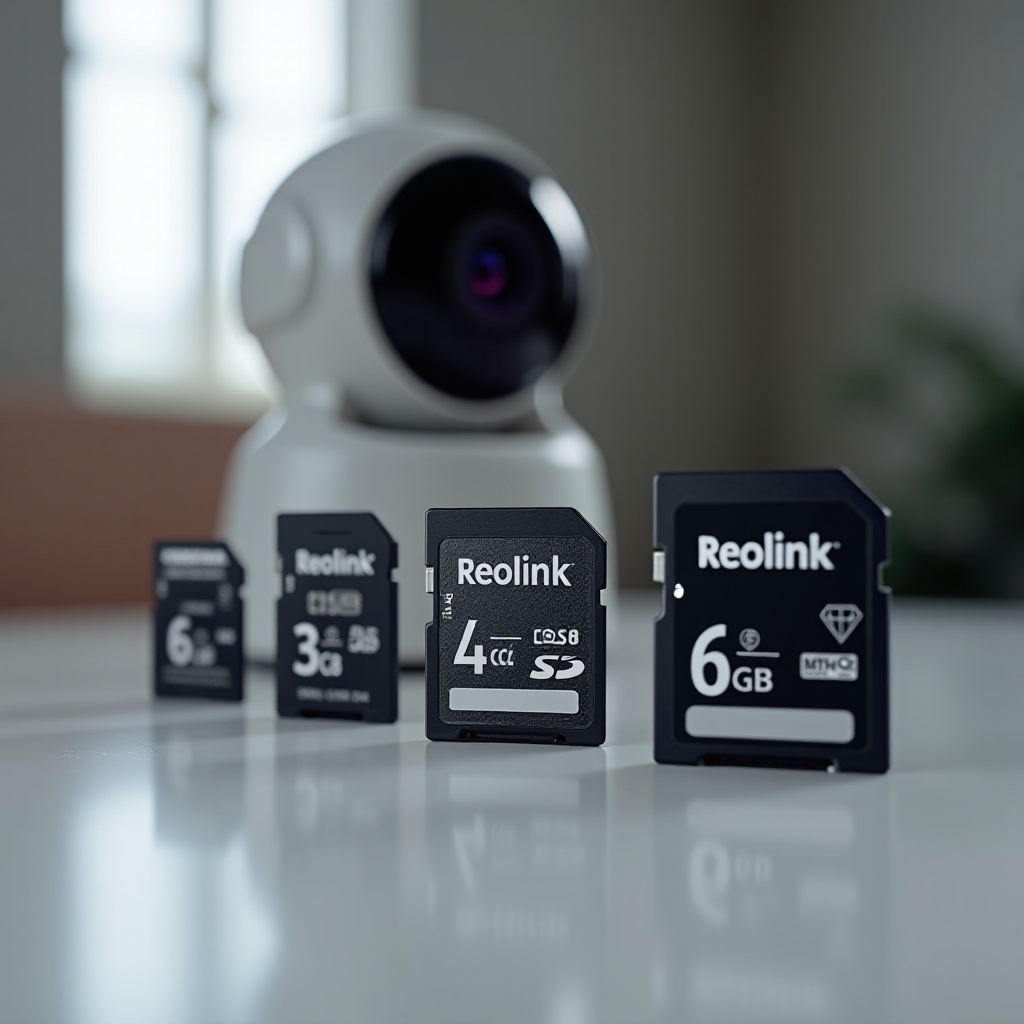
The micro SD card is the heart of your Reolink camera’s storage system. A proper card ensures that high-resolution footage is captured smoothly and stored reliably, which is crucial for effective surveillance.
Choosing the appropriate storage capacity allows for continuous recording, and selecting the right speed class ensures smooth operation without delays. Plus, using a durable card can withstand environmental challenges, ensuring uninterrupted service. Armed with this understanding, we can now focus on essential features of a micro SD card for Reolink cameras.
Essential Features of a Micro SD Card for Reolink Cameras
Storage Capacity
Reolink cameras, celebrated for their high-resolution video capture, demand substantial storage capabilities. Opt for a micro SD card with at least 64GB capacity for most cameras. Larger capacities like 128GB or 256GB are ideal for extended recording durations or higher resolution needs.
Speed Class
A fast micro SD card is crucial for smooth and efficient video recording. Look for cards with a UHS Speed Class of U3 or higher, as these are designed to handle seamless data transfer and minimize lag during video capture.
Durability and Weather Resistance
The weather can pose several challenges to your cameras. Choose cards with water, temperature, and shock-resistant features to ensure longevity and continuous performance.
Equipped with this knowledge, let’s examine the top micro SD card options available for Reolink cameras in 2024.
Top Micro SD Card Recommendations for Reolink Cameras in 2024
SanDisk Extreme Pro microSDXC
The SanDisk Extreme Pro stands out with its outstanding performance, offering up to 170MB/s read speed and 90MB/s write speed. These speeds support smooth 4K UHD video recording and rapid data transfer. Its reliability and robustness make it a superb choice for Reolink’s high-resolution cameras.
Samsung EVO Select microSDXC
Renowned for its versatility and affordability, the Samsung EVO Select offers up to 100MB/s read speed and 90MB/s write speed. Its durability in extreme conditions makes it perfect for outdoor surveillance setup, providing users with both reliability and performance.
Kingston Canvas React Plus
The Kingston Canvas React Plus micro SD card provides up to 300MB/s read speed and 260MB/s write speed. Such speeds are ideal for Reolink cameras that require rapid data entry and storage. Its solid construction can withstand harsh environmental conditions, ensuring reliable operation over time.
Having identified the top choices, it’s essential to understand the installation process for your selected card.
Installation Guide for Micro SD Cards in Reolink Cameras
Proper installation of the micro SD card is critical to ensuring optimal performance. Here is a step-by-step guide to help:
-
Access the Camera: Open the Reolink camera’s compartment where the micro SD card slot is located.
-
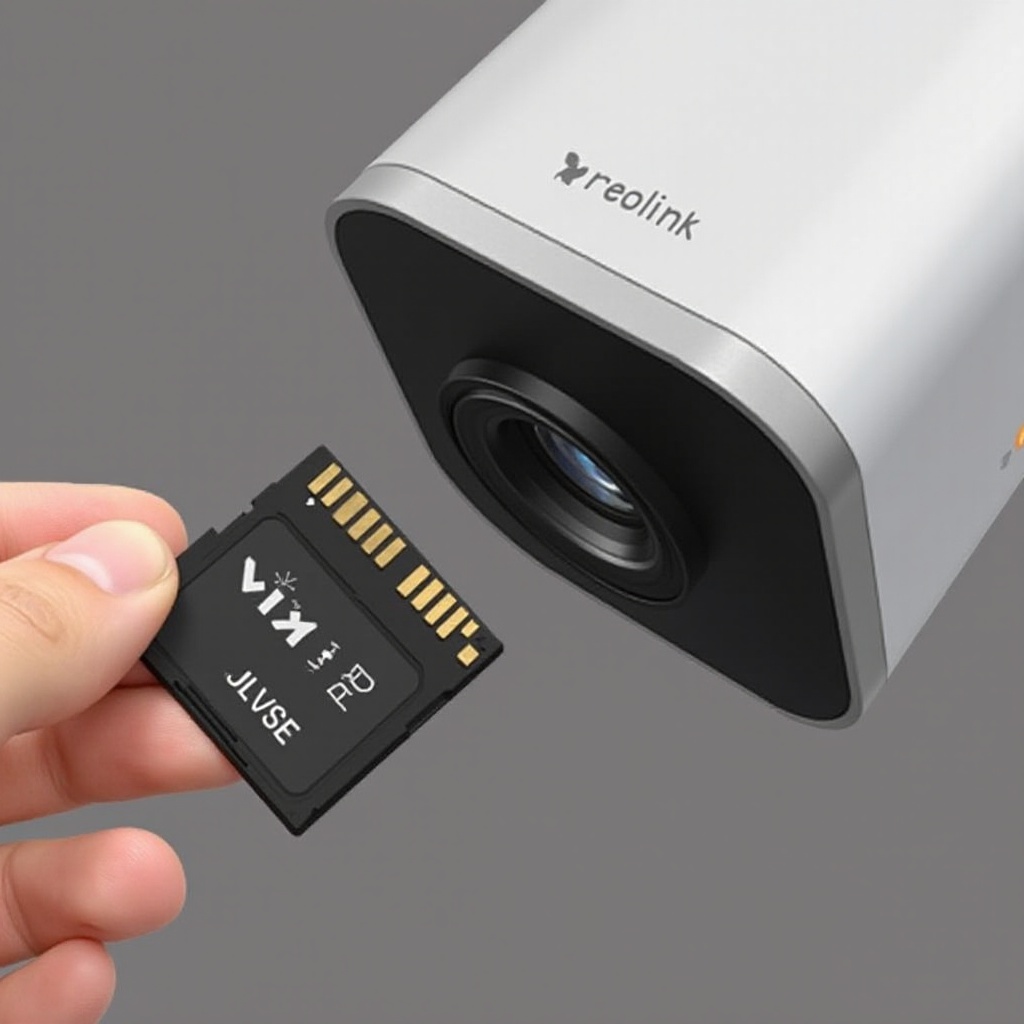
Insert the Card: Carefully insert the micro SD card, ensuring it’s aligned properly with the slot.
-
Secure the Compartment: Once inserted, securely close the compartment to protect against weather elements.
-
Format the Card: Utilize the Reolink app or camera settings to format the new card, preparing it for recording.
-
Test Recording: Check the setup by recording a test sequence to confirm that the installation was successful and the camera is functioning correctly.
Understanding the installation process is a precursor to discussing the maintenance required to ensure your micro SD card’s longevity and performance.
Maintaining Your Micro SD Card to Ensure Longevity and Performance
To keep your micro SD card efficient and reliable, regular maintenance is essential. Here’s how to do it effectively:
-
Regular Backups: Regularly back up your data to external drives or cloud services to avoid data loss.
-
Formatting and Cleanup: Periodically format the card after backing up data to refresh it and remove any corrupt files, maintaining optimal performance.
-
Recognizing Signs of Wear: Be attentive to signs of wear, such as frequent errors or decreased performance, which suggest it’s time for a replacement.
By maintaining your micro SD card, you can significantly boost your Reolink camera’s reliability and efficiency.
Conclusion
Choosing the best micro SD card for your Reolink camera is crucial for effective surveillance. Whether it’s regarding storage capacity, speed, or durability, the right card enhances functionality and reliability. Our top recommendations offer high performance, making them excellent picks for 2024. By following the right installation and maintenance procedures, you can safeguard your security setup’s seamless operation.
Frequently Asked Questions
Why does my Reolink camera not recognize my micro SD card?
Your camera may not recognize the card due to compatibility issues, improper installation, or the card not being formatted correctly. Reinstall or reformat the card for resolution.
How often should I replace the micro SD card in my camera?
Replace the card every 1 to 2 years, depending on signs of wear and performance issues. Frequent formatting and heavy usage might necessitate more frequent replacements.
Can I use the same micro SD card for multiple Reolink cameras?
No, each Reolink camera requires its own dedicated micro SD card for individual storage, ensuring each device records separately without overwriting data.