
Introduction
Building or upgrading a computer involves countless decisions, each contributing to the machine’s overall performance and lifespan. One of these pivotal choices is the orientation of the power supply unit (PSU) fan: should it face up or down? This decision can have a significant influence on your PC’s cooling efficiency and noise levels. In this comprehensive guide, we explore the intricacies of PSU fan orientation and provide actionable guidance for making the most informed choice for your specific setup.
Understanding Power Supply Fans
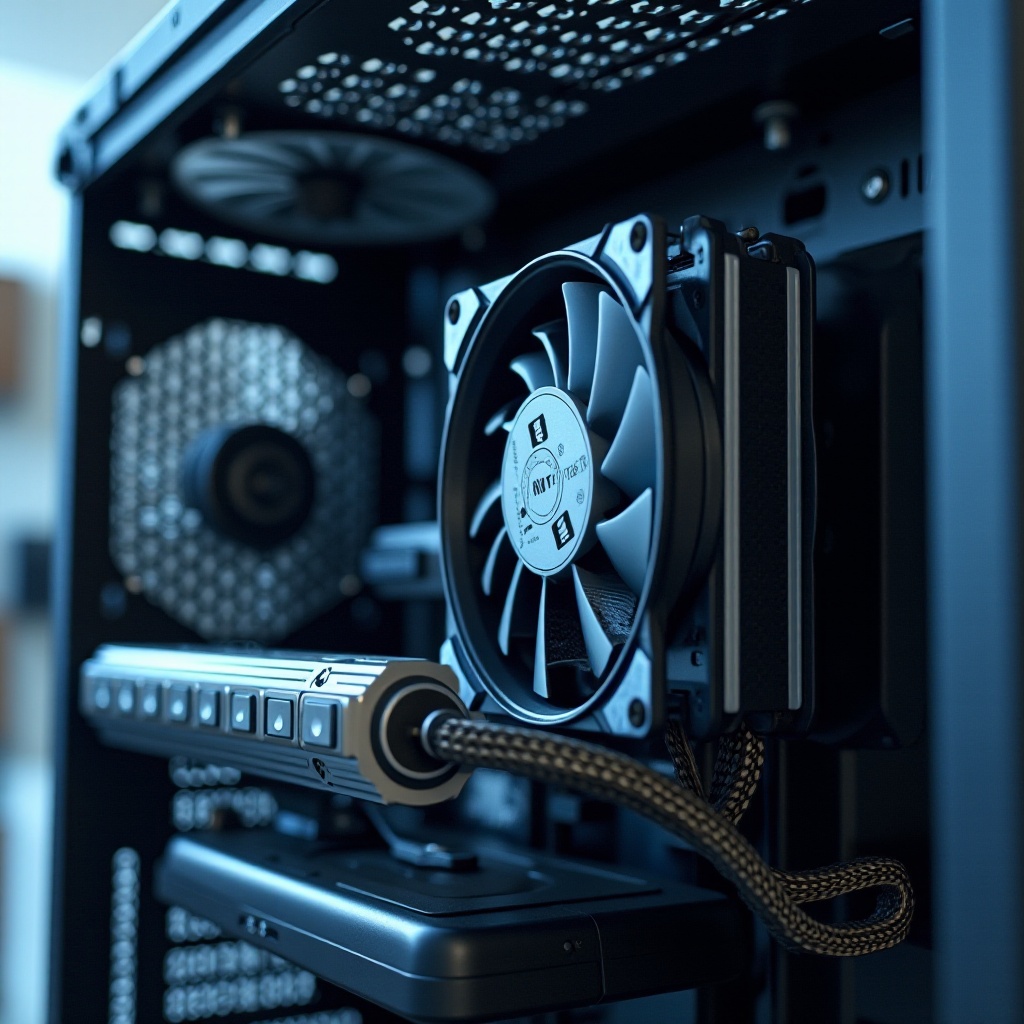
Power supply units (PSUs) convert electrical energy from an outlet into usable power distributed across the computer’s components. Inside each PSU is a fan that plays a critical role: it cools internal components, ensures stable voltage outputs, and prevents overheating. By actively managing airflow, the fan helps maintain the PSU’s reliability and longevity. Grasping the basic functions of PSU fans is essential for appreciating how their orientation can impact overall system performance.
Fan Orientation Explained: Up vs. Down
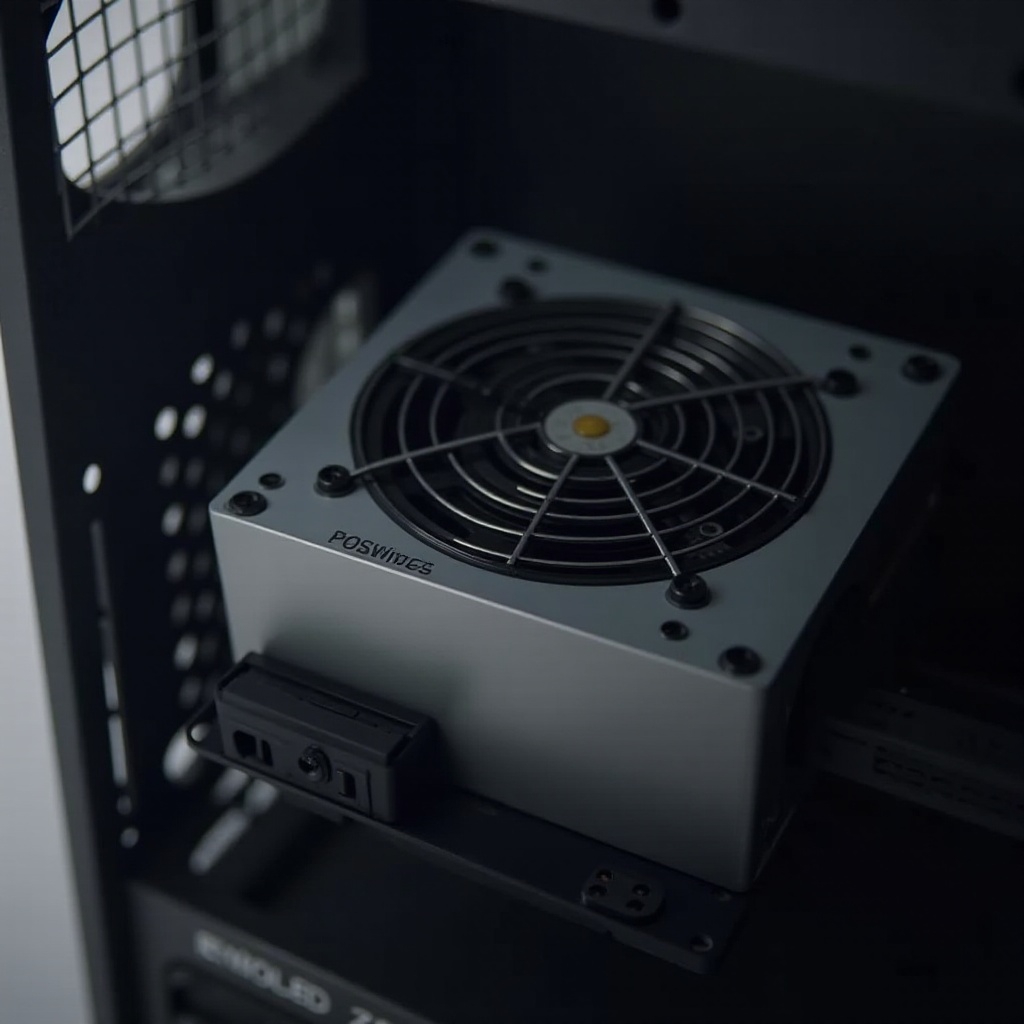
When contemplating whether to position your PSU fan up or down, several factors come into play, such as case design and airflow patterns. A ‘fan up’ orientation typically draws air from within the case, aiding in cooling other critical components before venting it outward. Conversely, a ‘fan down’ setup typically draws external air through a vent in the case bottom, which can be particularly beneficial in cases designed with such ventilation. Understanding these fundamental differences between fan orientations is crucial for determining which setup might be more suitable for your specific equipment and environment.
Factors to Consider for Orientation Choice
The choice of PSU fan orientation should be guided by a careful assessment of several critical factors:
-
Case Design: Verify that your case offers the appropriate ventilation necessary for the chosen fan orientation. A bottom-mounted vent is crucial for a ‘fan down’ configuration, whereas a ‘fan up’ setup might necessitate improved internal airflow to be effective.
-
Airflow Patterns: Assess the airflow dynamics already in place within your PC case. A ‘fan up’ configuration might be ideal for a positive pressure environment, while a ‘fan down’ orientation could be more suitable if negative pressure dominates your system.
-
Thermal Management: Evaluate thermal performance and cooling needs. Drawing cooler external air through a ‘fan down’ setup may enhance cooling efficiency, especially if ambient room conditions are favorable.
Balancing these factors is key to developing the most advantageous cooling strategy tailored to your specific hardware and environment.
Pros and Cons of Fan Orientations
Each PSU fan orientation has its own set of strengths and potential drawbacks. By closely evaluating these pros and cons, you can make a well-informed choice that aligns with your system requirements.
- Fan Up Orientation:
- Pros: Assists in cooling other internal components; beneficial for cases lacking extensive external ventilation.
-
Cons: Can circulate warm air within the case, potentially impacting other sensitive components.
-
Fan Down Orientation:
- Pros: Generally promotes enhanced cooling by utilizing cooler, external air; excellent for environments that frequently accumulate dust.
- Cons: Relies on a case design featuring bottom vents; potential for dust intake from the environment.
Carefully considering these pros and cons will help in customizing your PSU setup, ensuring it meets the unique demands of your PC build.
Installation and Best Practices
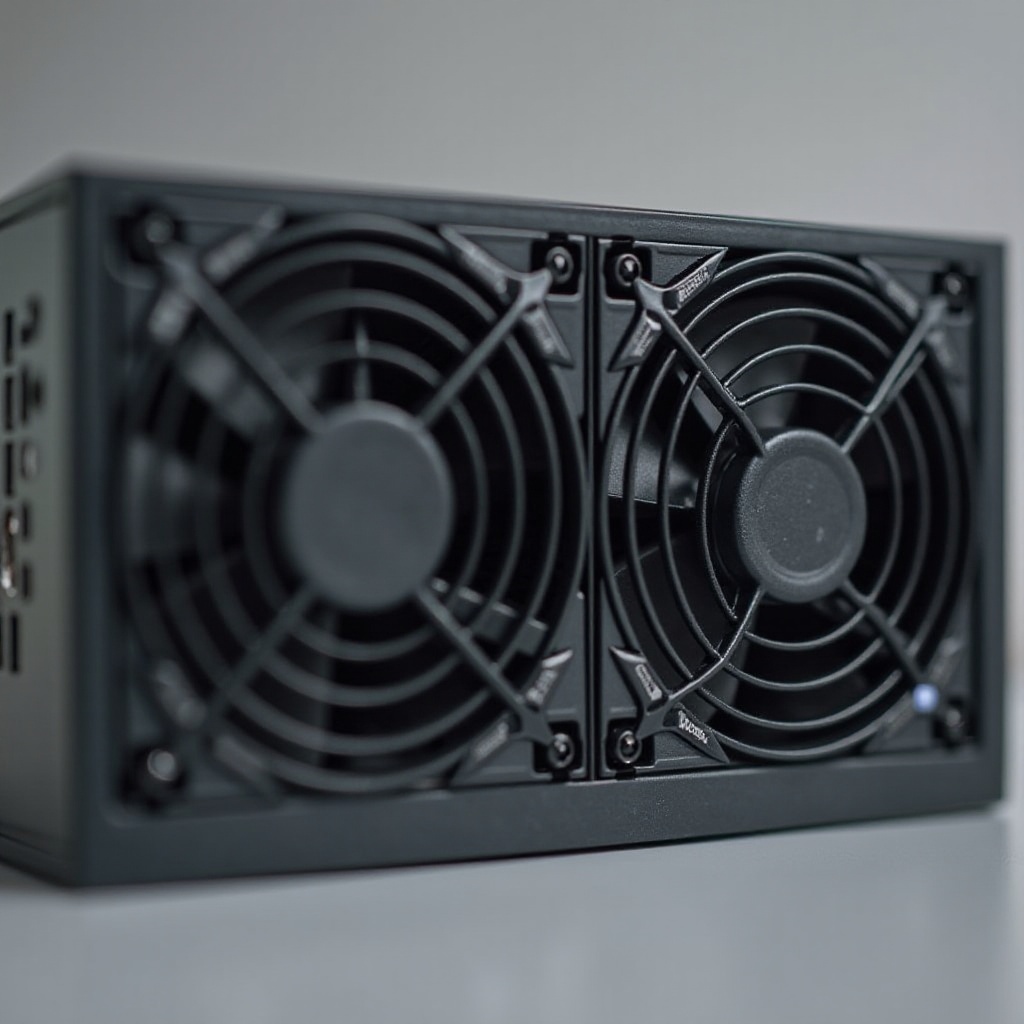
For optimal installation of your PSU, adhere to these recommended best practices to ensure efficiency and minimize potential issues:
-
Orientation Selection: Choose the correct PSU orientation based on your case’s design and airflow needs to ensure efficient heat dissipation.
-
Securing Your PSU: Fasten the PSU securely to the case mount using the provided screws to prevent movement and reduce vibrations.
-
Cable Management: Organize cables neatly to maintain unobstructed airflow and simplify future maintenance tasks.
-
Regular Cleaning: Regardless of fan orientation, dust filters and case interiors should be cleaned frequently to maintain optimal airflow and cooling performance.
By following these steps, you can optimize the PSU’s function and contribute to the overall longevity and performance of your computer.
Expert Opinions and Community Insights
Gleaning insights from industry experts and engaging with the PC building community can offer valuable perspectives and practical advice. Experts emphasize case-specific evaluations and advocate for thorough analysis in conjunction with real-world application observations. Active involvement in forums provides access to experiences that may resonate with your specific setup needs. Collectively, these insights often highlight the importance of tailoring your orientation decision to meet your PC’s distinct environmental conditions and usage demands.
Conclusion
Deciding whether to position a computer power supply fan up or down presents a nuanced choice, intertwined with the design and thermal dynamics of your specific computer case. Each orientation offers distinct advantages and limitations, with the optimal choice enhancing your system’s performance, cooling capacity, and acoustic management. By carefully weighing your system’s unique needs and employing recommended installation practices, you can ensure a PSU setup that effectively supports your computing tasks.
Frequently Asked Questions
What is the best orientation for my PSU fan?
The best orientation depends on your PC case’s design and cooling needs. Choose the direction that complements airflow and cooling efficiency specific to your setup.
Can PSU fan orientation affect my PC’s temperature?
Yes, fan orientation significantly influences internal case temperatures by affecting airflow. The right orientation helps maintain stable temperatures and prevent overheating.
Are there any common mistakes to avoid with PSU installation?
A common mistake is neglecting ventilation requirements. Ensure your case supports the chosen orientation, regularly clean dust, and maintain clear airflow paths.